Updated 17 February 2026
Jump to Home Assistant Details
This blog covers the installation of a sub meter between the house and Anglian Waters boundary meter, the blog on locating this pipe can be found HERE.
The primary reason I want to monitor my water consumption in real time, is that Anglian Water supplied smart meter can’t do this as the App is typically 24 hours behind, a secondary reason is that I can take the opportunity to add an automatic shut-off valve linked to Home Assistant, so should a leak detector activate in the kitchen, the water supply to the house will close and also an alert will be sent to my mobile.
The equipment will be installed a standard size irrigation valve box.
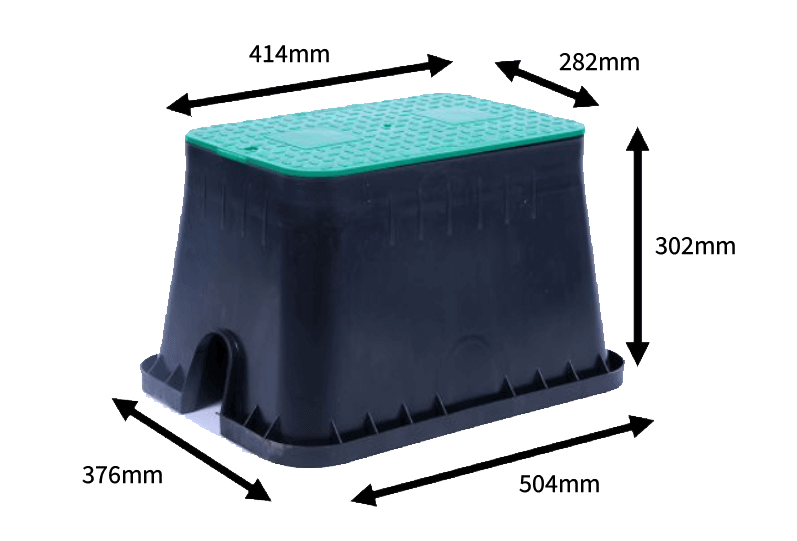
The original idea was to install the valve box as near to the house as I could in order to reduce cabling and ensure a decent Wi-Fi signal gets to the control system, this idea failed when it was discovered that the water pipe near the house id over 1.5m deep.
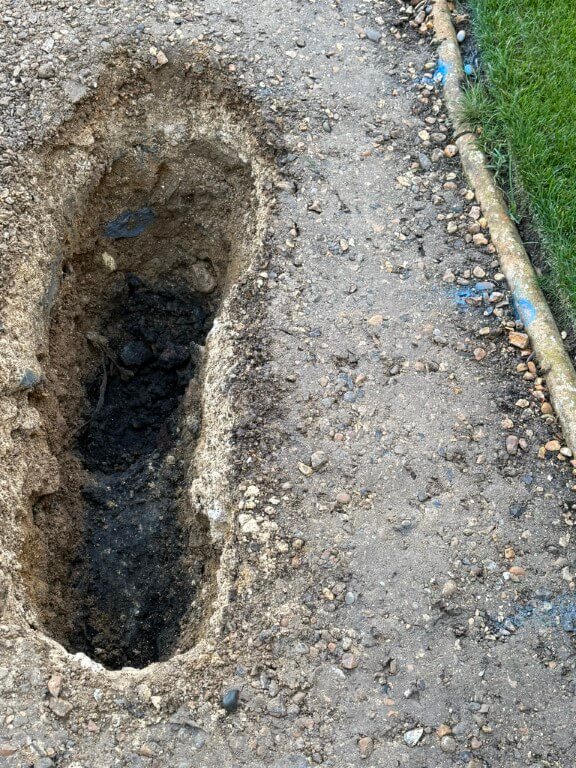
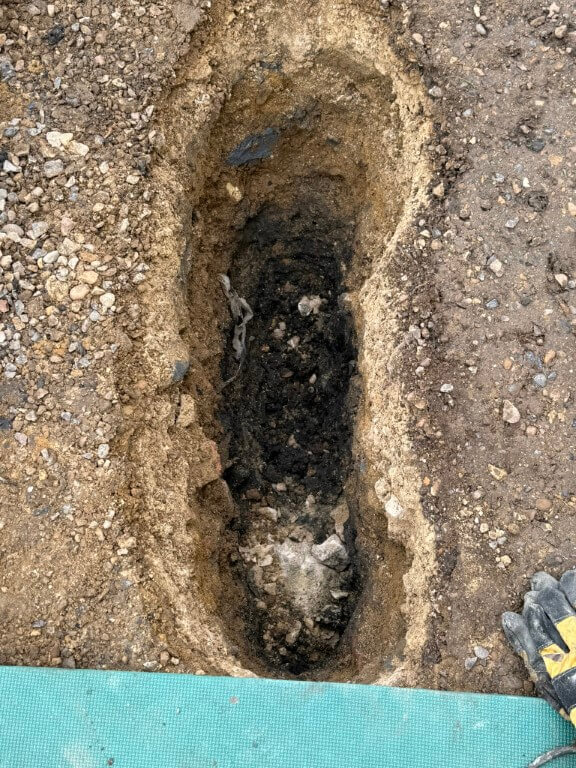
The next best option was to place the valve box in the hole I’ve already dug near the boundary meter which was used to trace the pipe.
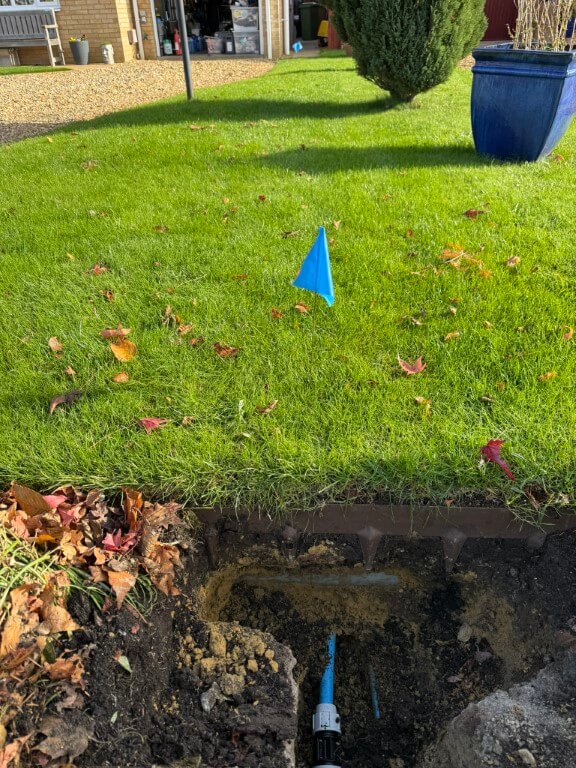
This plan was to install the meter and valve inline with the pipe with the valve box sitting over the top of the kit, impinging slightly into the lawn.
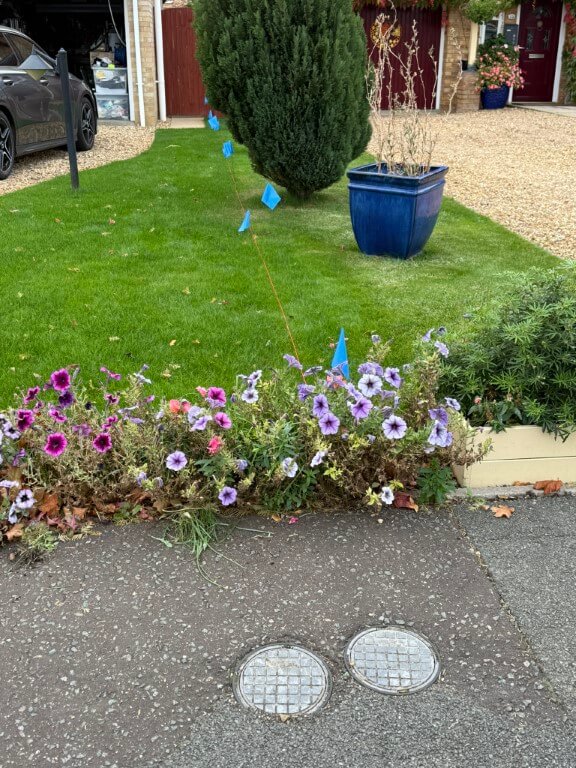
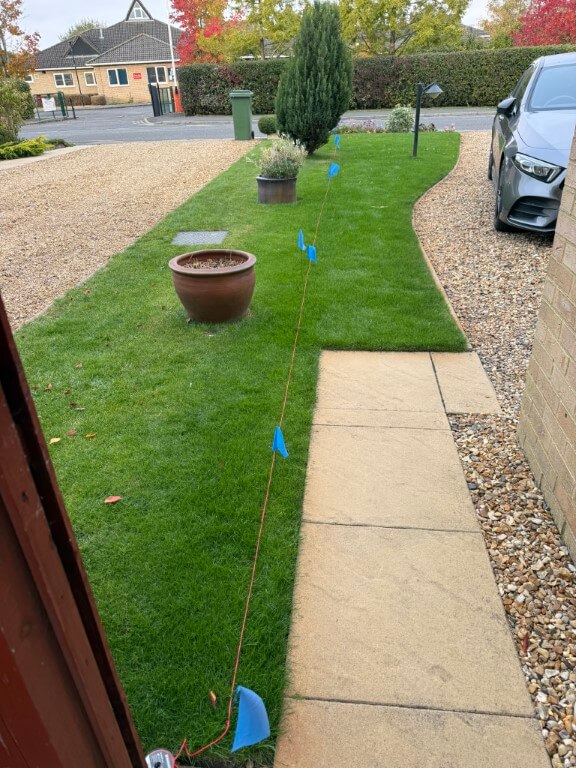
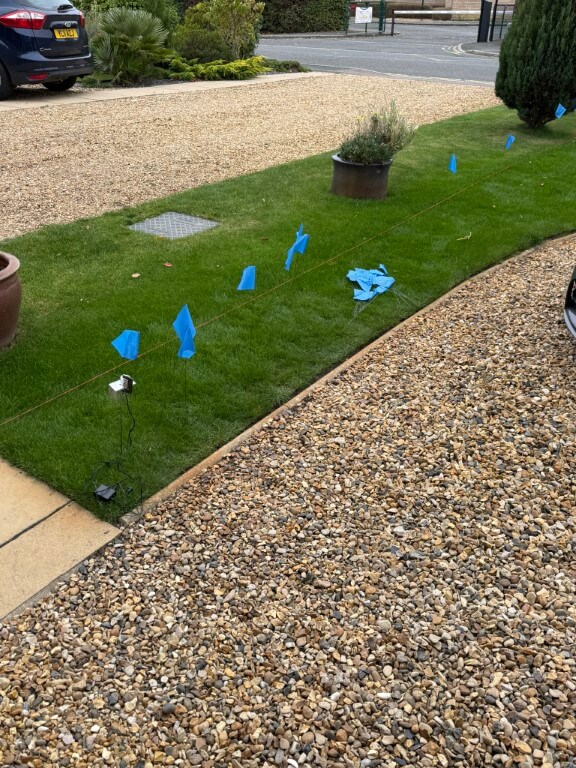
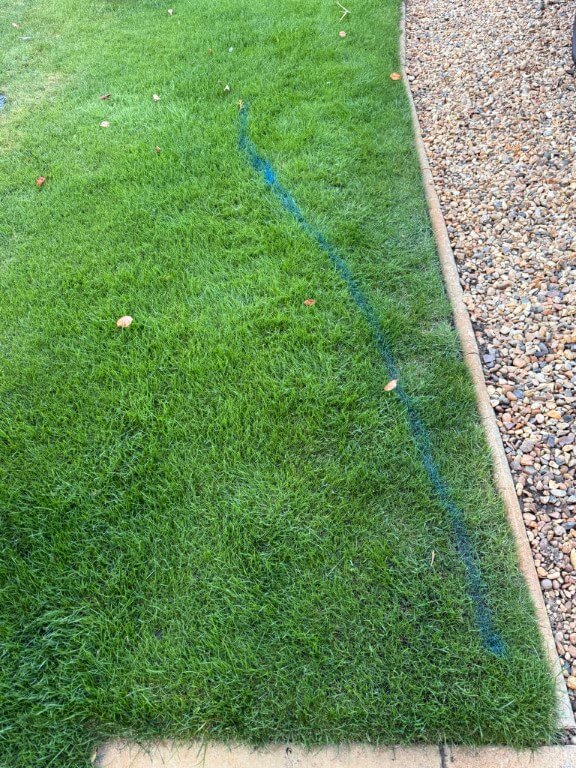
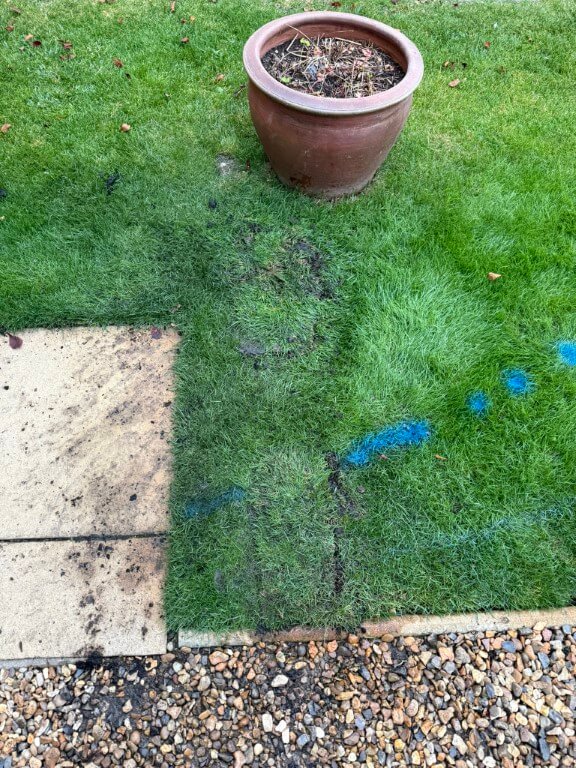
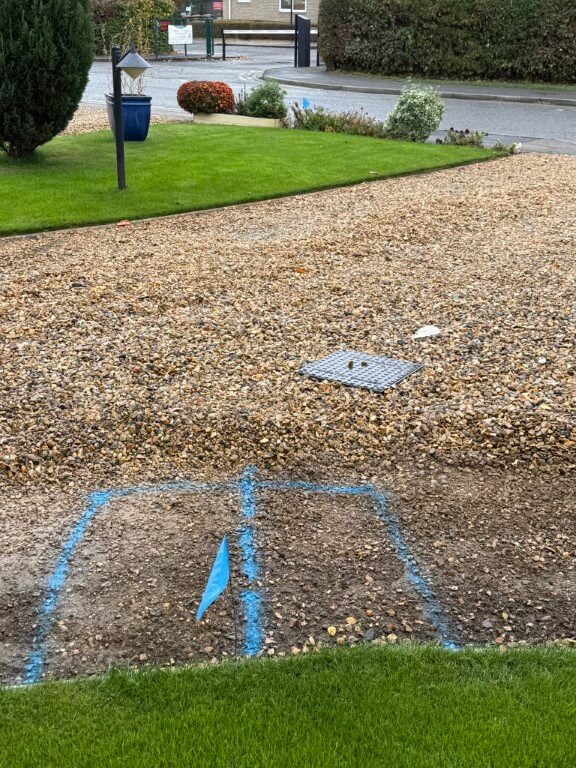
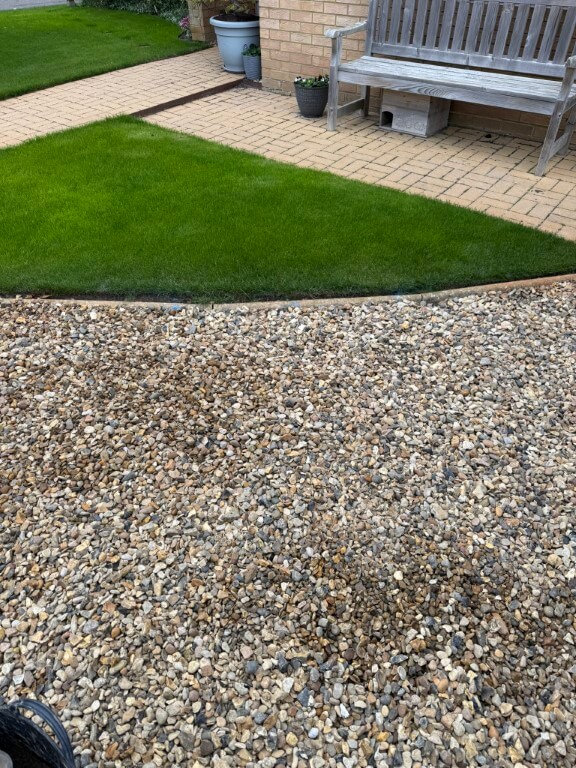
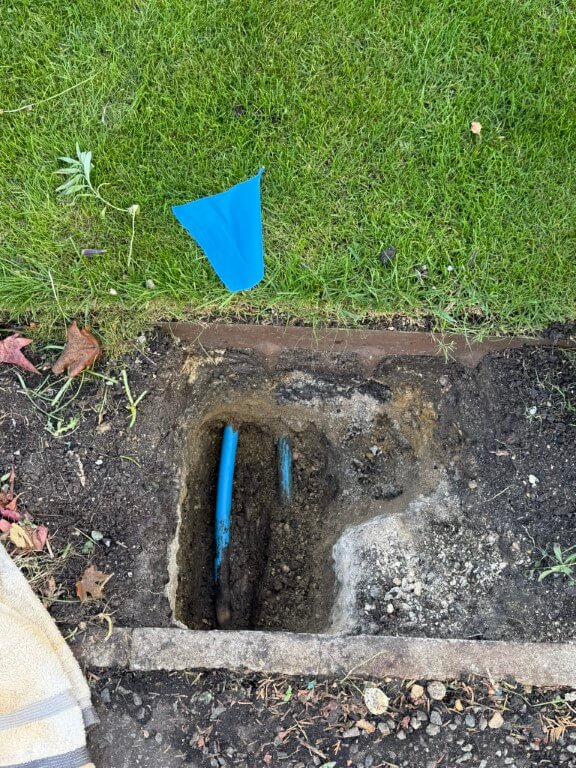
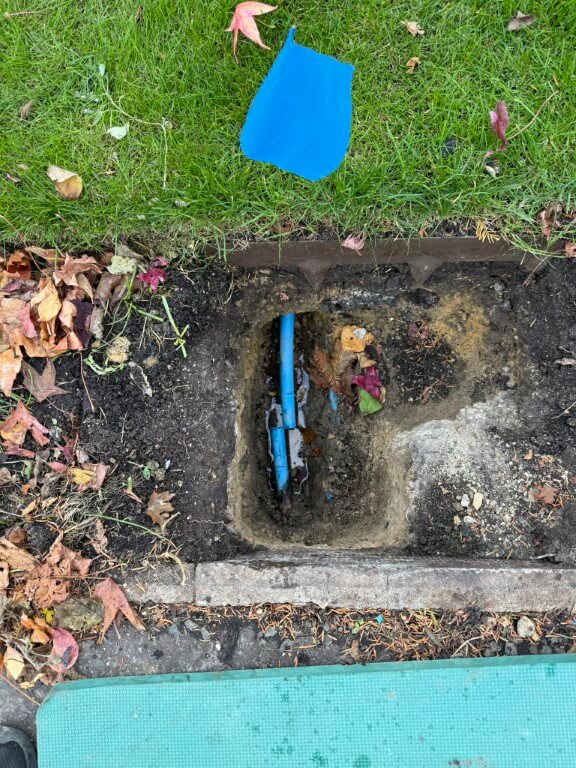
This came to a halt when I uncovered an Openreach duct under my lawn with the water pipe passing under it, so the only option left to me was to put the valve box just past the blue flag in the lawn marked in blue.
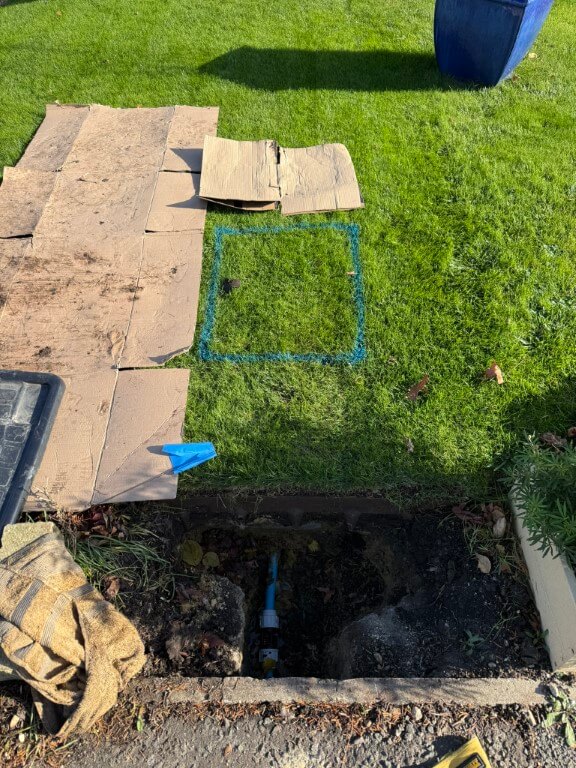
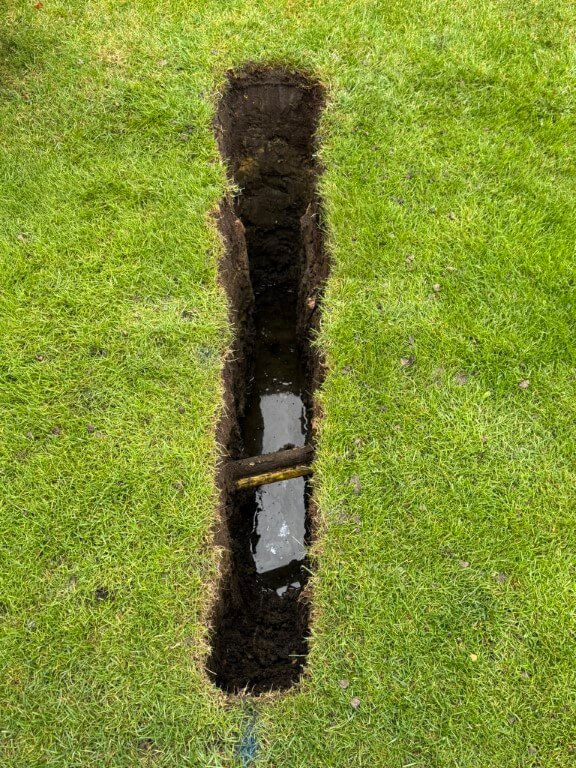
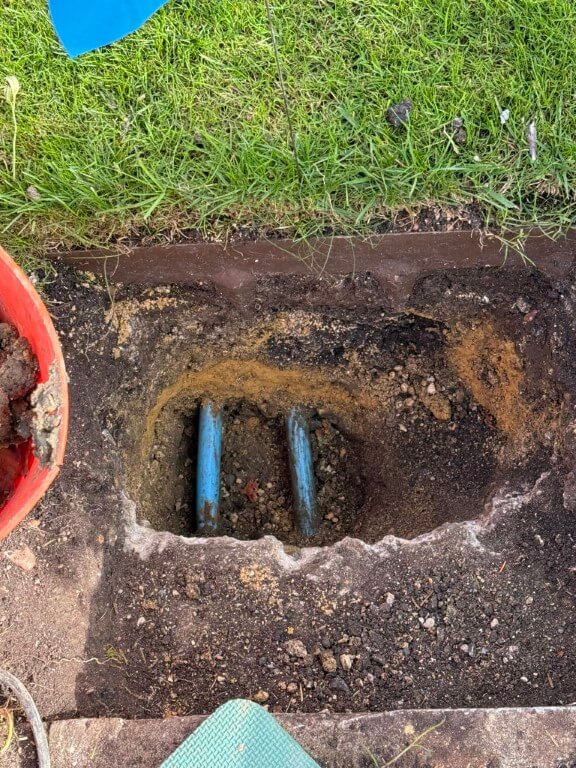
The dig went quite well, I was aware of the garden irrigation pipes which pass to the right side of the dig and also in front of the box.
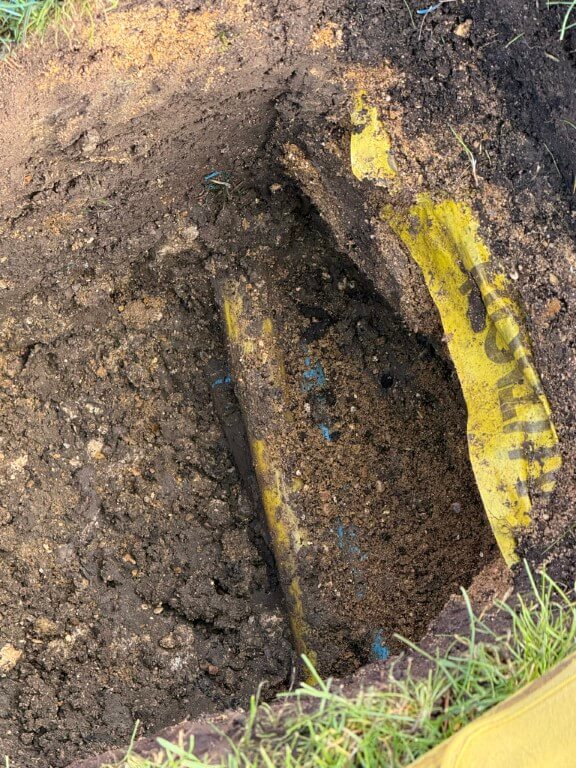
Typical with this project, I discovered the expected water pipe, but also the gas pipe and further down, the electrical duct to the house, all basically touching each other and off-center in relation to the valve box.
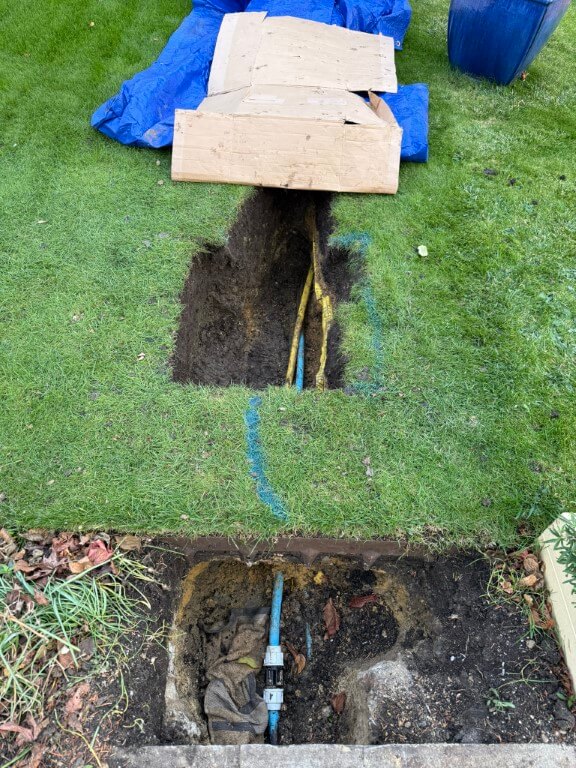
Due to the lay of the pipes I moved the valve box dig slightly to the left, this meant I needed to reposition the inlet and outlet water pipes.
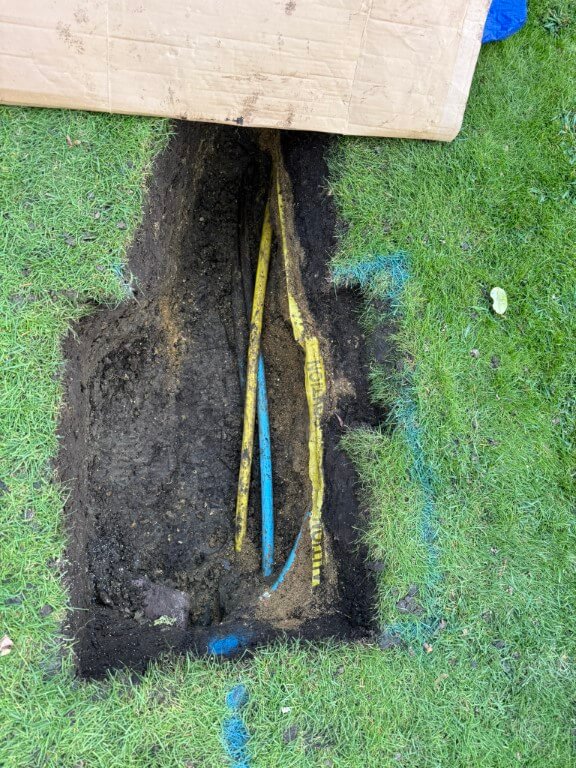
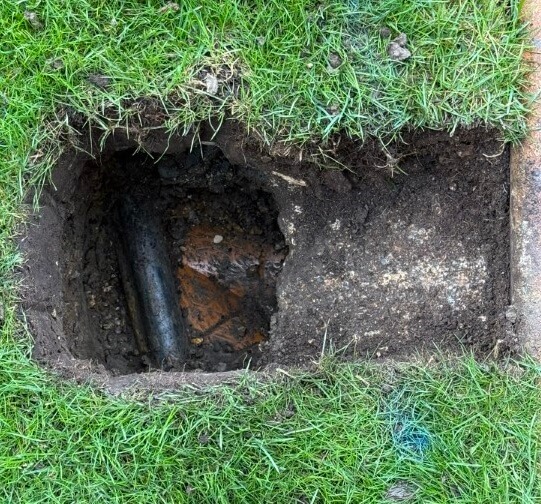
To compound the issue, the water pipe feeding my property is underneath the gas pipe, the close up on the above finished dig showing the irrigation pipe with marker tape, below this are the gas and water pipes.
I dug further back to give me better access to the water pipe, also the length will give me additional flexibility, the plan is to cut the water pipe and get it from under the gas pipe so it will enter the valve box in the correct position, also the existing pipe to the boundary meter will be removed at the slip coupling and rerouted to the left of the existing position, again to get the pipe central in the valve box.
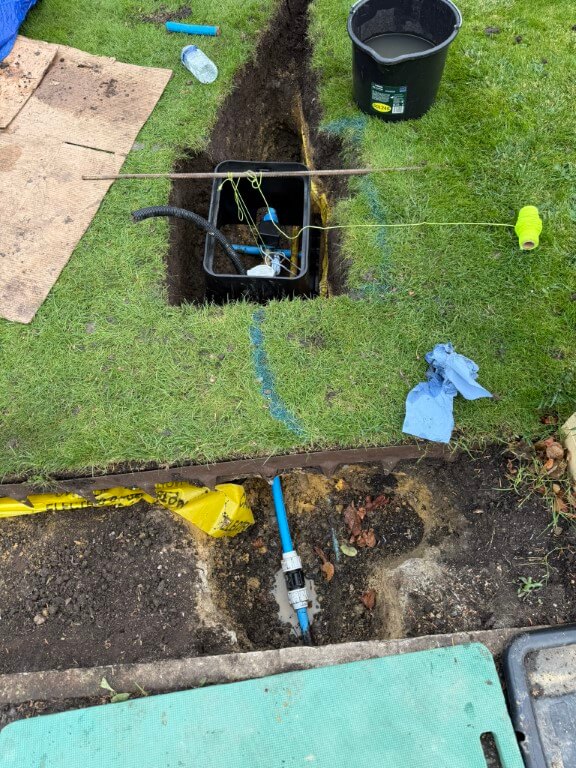
Valve box in temporary position after water connections made, the water connection turned into a problem for me as the pipe from the boundary meter under the grass to the new hole had been compressed and deformed to an oval shape by the Openreach Duct pressing down on it, with a stone beneath the pipe, a perfect storm.
The meant that I had to hammer the pipe through the soil from the slip coupling, only to find that I needed 1m of 25mm pipe to replace the damaged section, fortunately Taymor Plumbing Merchants at March were brilliant and cut me a piece for free, I did go back with chocolates and a Thank You card as they got me out of a right pickle.
The 25mm flexible conduit is to carry 12v power to the ESP32 which controls and reads the valve and meter respectively.
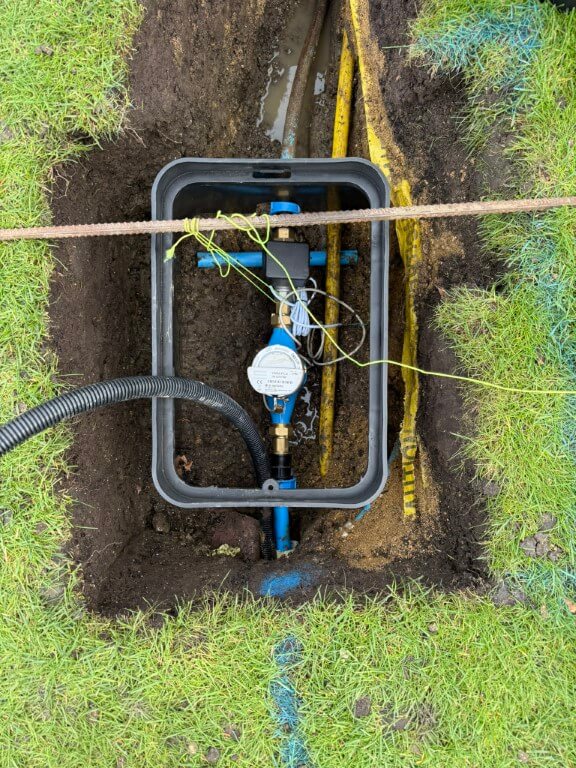
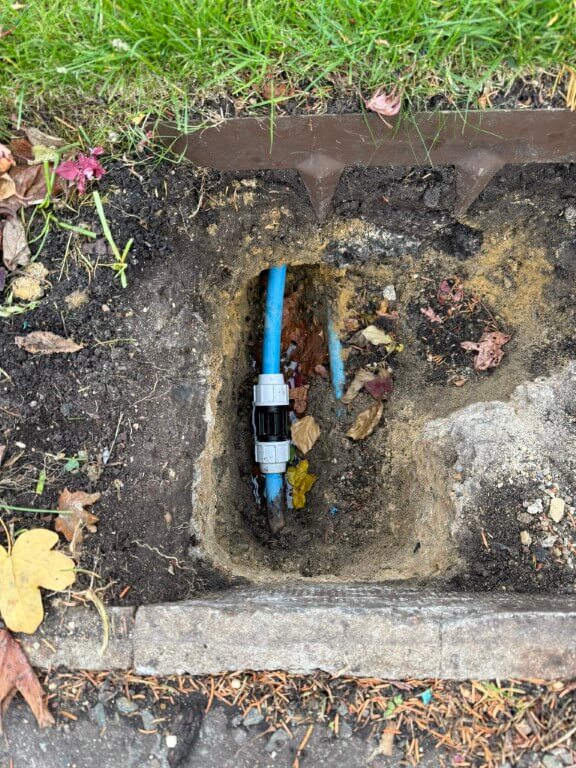
New pipe from slip coupling to sub meter via protective sleeve, exit pipe from the auto-valve to the house no longer under the gas pipe, making for a tidier install.
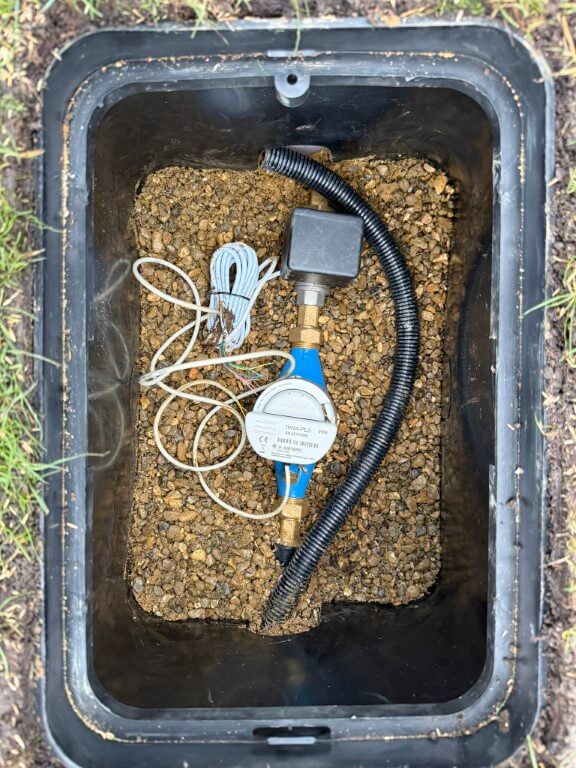
Valve box fixed in place with pea gravel and leveled to the grass, water pipes covered in builders and sharp sand to protect them and the longer section of exposed pipe to the house had pipe insulation fitted before being covered.
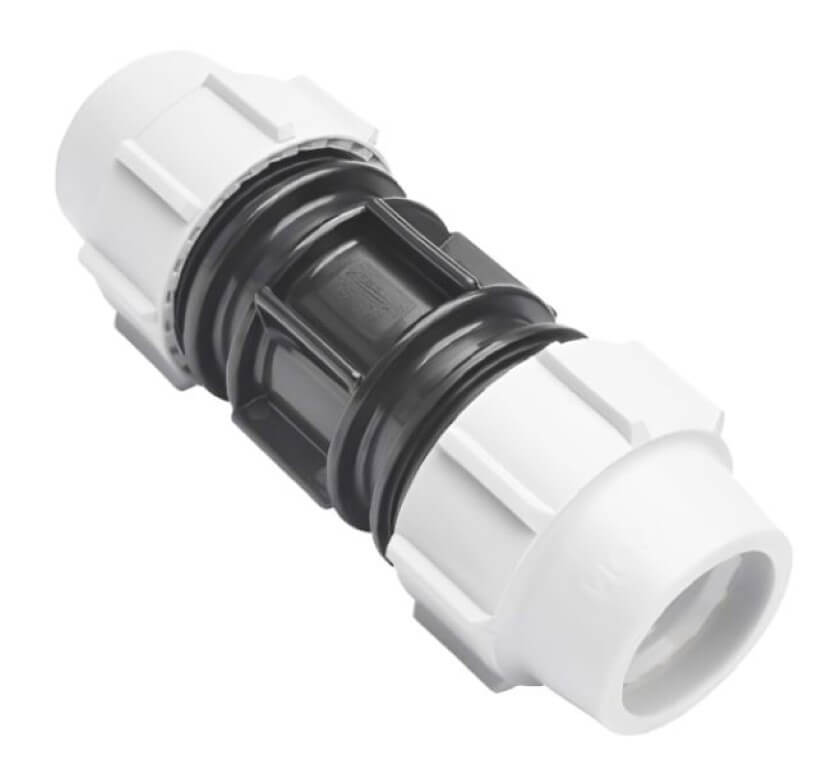
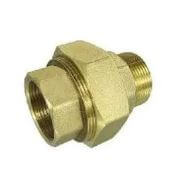
As I have pipe ‘fixed points’, the water meter is on flanged couplings allowing easy removal, I have also used a brass male to male cone seat union on the auto-valve, again to allow easy removal and replacement when required.
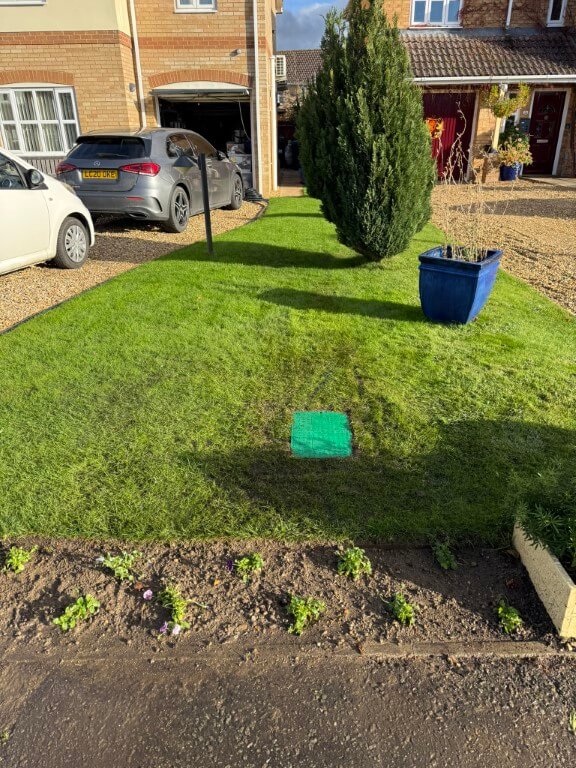
Grass and border restored to make the job look a lot neater, once everything starts to grow, the box lid will melt into the lawn.
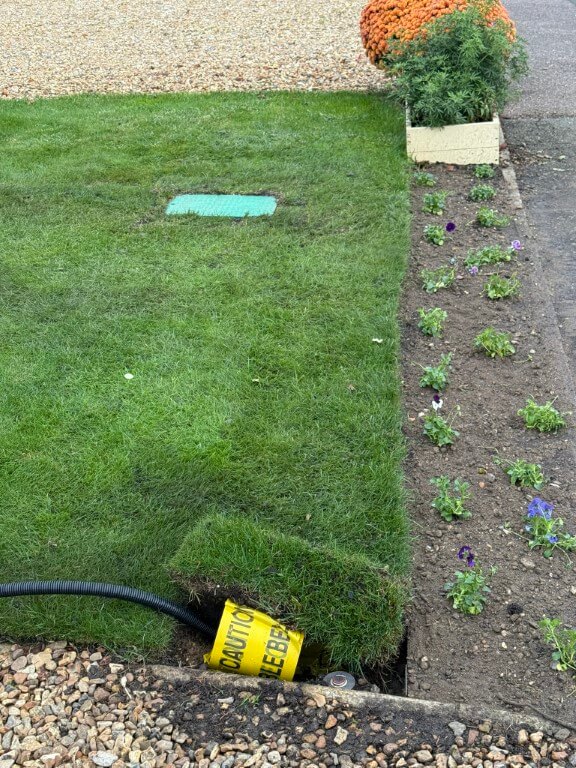
25mm Flexible conduit being installed back to the garage, the conduit has a marker tape over it and a shallow covering of sharp sand, due to concrete haunching supporting the round nose edging, the conduit is quite shallow, but I I wont be aerating the lawn this close to the edge, so it will be fine.
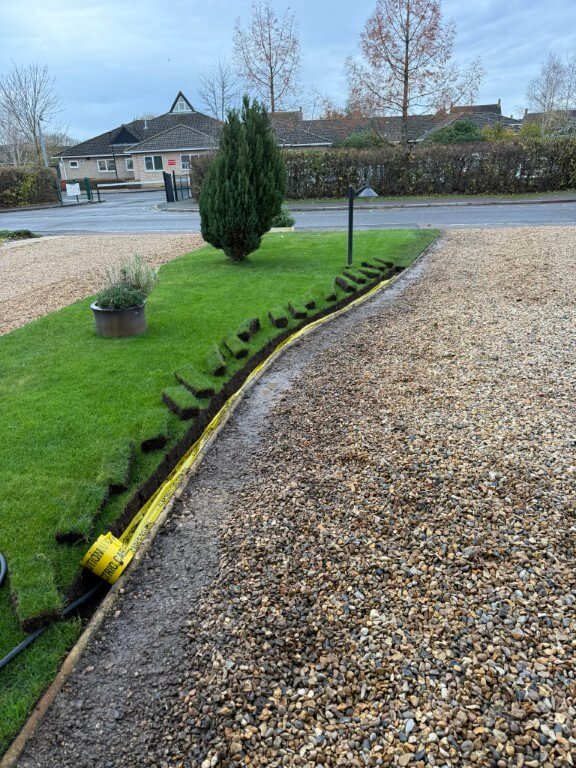
As it had been raining recently, the grass sods were easy to cut and lift out.
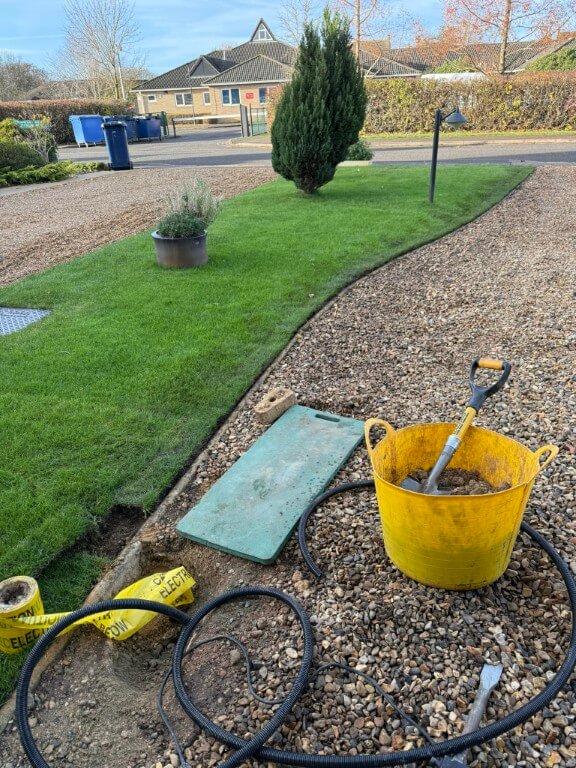
Conduit under the edging ready to drop in a trench in the drive which is yet to be dug, the last sod of lawn is next to go back and levelled down with the back of a spade, after that a mix of sieved soil mixed with lawn seed will be spread down the cuts and joints of the lawn where I have worked.
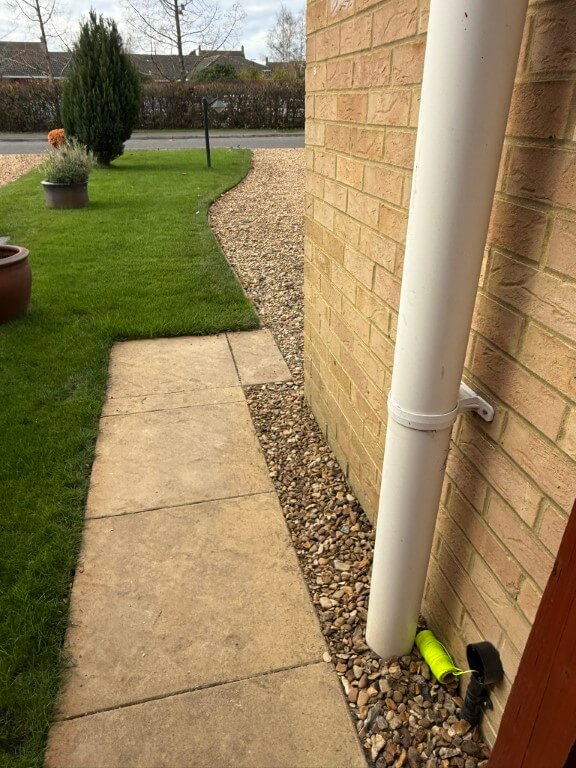
Flexible conduit all installed and draw cord in place ready to pull in 1.5mm2 two core cable for the 12v DC power to the ESP32.
In the meter pit I have installed an cover for the equipment in the valve box using 50mm Kingspan insulation.
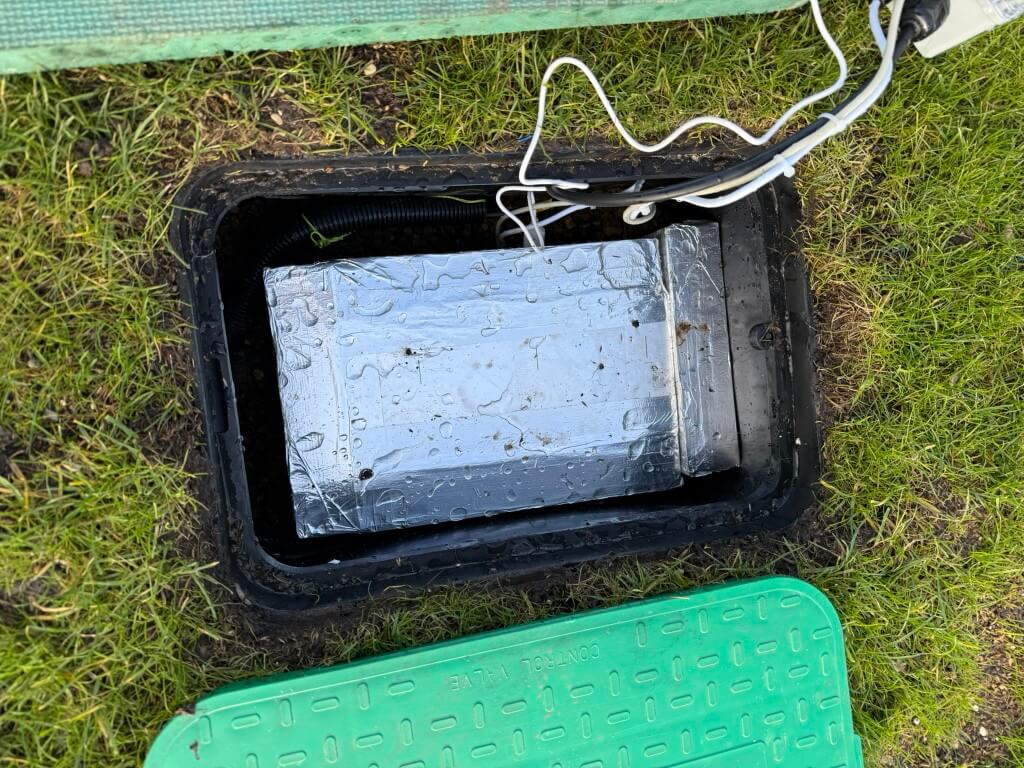
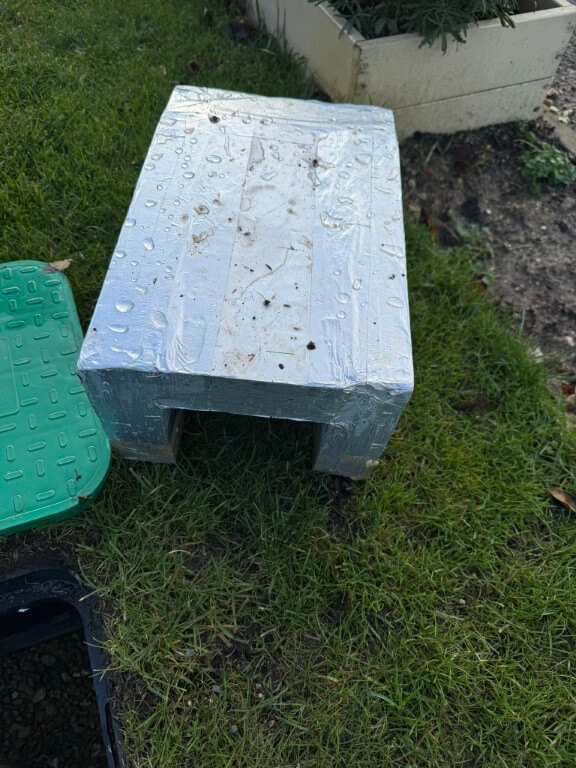
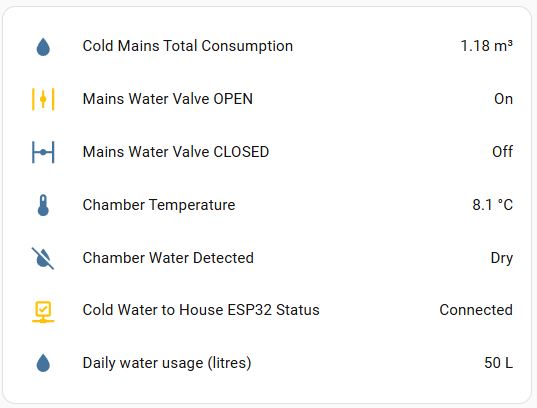
Home Assistant interface, equipment and wiring
Working from the boundary water meter owned by Anglian Water, the connection was made in 25mm MDPE to my sub-meter which is a BM Meters model GMDM-I with a IWM-PL3 pulse emitter fixed to it and configured to register 1 pulse every 10 litres, both of these were bought from stockshed.
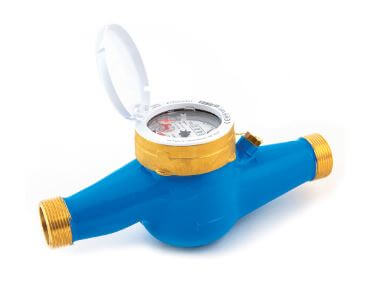
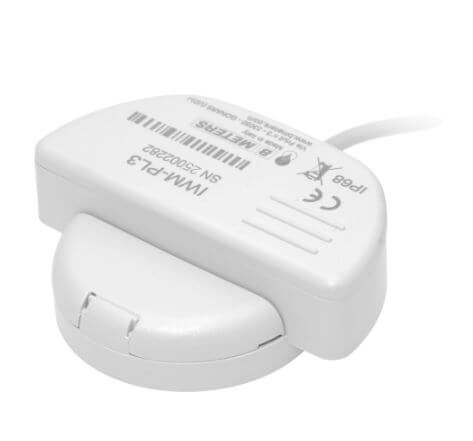
After the sub-meter is the automatic isolation valve, this is a ‘full bore’ valve so as not to reduce the water pressure to the house, (both the sub-meter and valve are 3/4″).
The automatic valve was bought from solenoid valve world, I opted for a version that monitored if the valve was open or closed and had the ability to be manually fixed open.
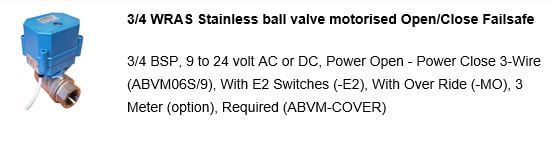
The valve operates on 9 to 24v, in my setup I’m using a 12v DC power source. My configuration is 12v permanently available to the valve and to close the valve, a switched12v hold open positive is removed, to open the valve, a 12v positive is reapplied to the control input.
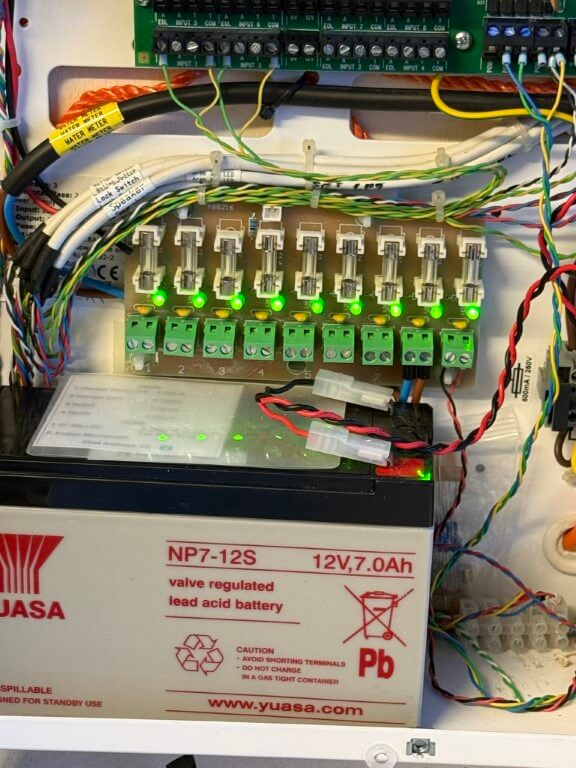
12v DC to the ESP32 and valve are via a separate fuse from my home alarm system power supply as this is battery backed up.
The valves position and operating commands are via an ESP32 connected to my Home Assistant dashboard by WiFi.
To enable future maintenance when dealing with two fixed pipe points, I used a 3/4″ male x female brass union end on the auto valve, this means I can easily remove/replace, either the meter or valve should the need arise.
ESP32 Controller
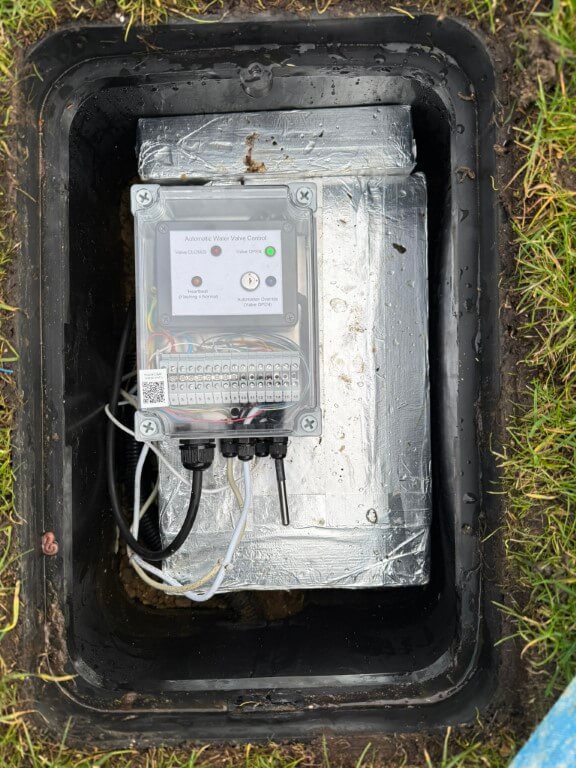
The above picture shows the completed controller boxed inside an IP68 rated enclosure, all cables pass through compression glands in a hope to reduce moisture ingress.
The QR code is linked to my ‘Home Manual’ on my local NAS, this enables rapid access to anything related to this project.
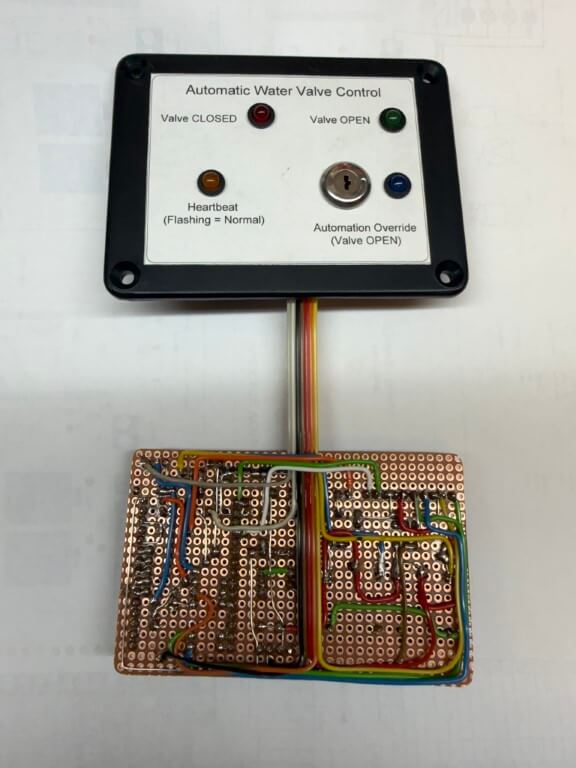
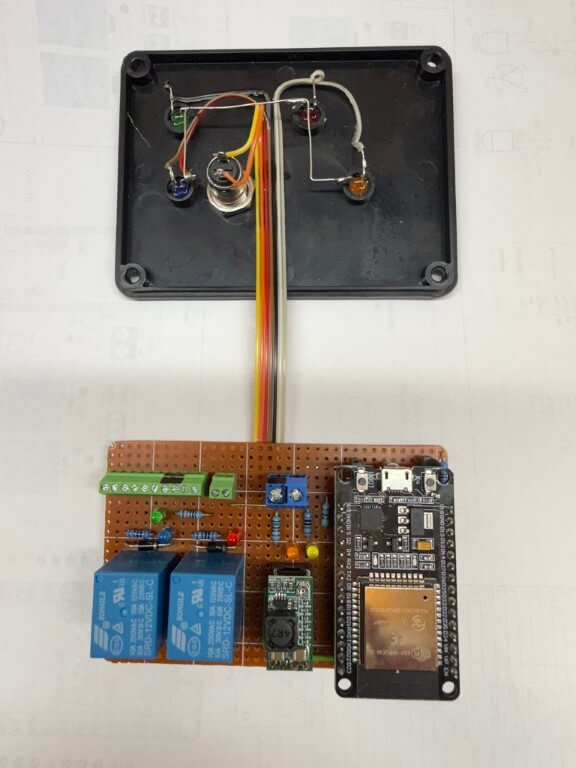
The ESP32 is the brains of the project, performing monitoring and control the following information to Home Assistant:
- Auto-Valve position
- External Temperature
- Meter/Valve chamber – Dry or Wet
- Remote override enable (to prevent any automations closing the valve)
- ‘Heartbeat’ (power and WiFi connection are ok)
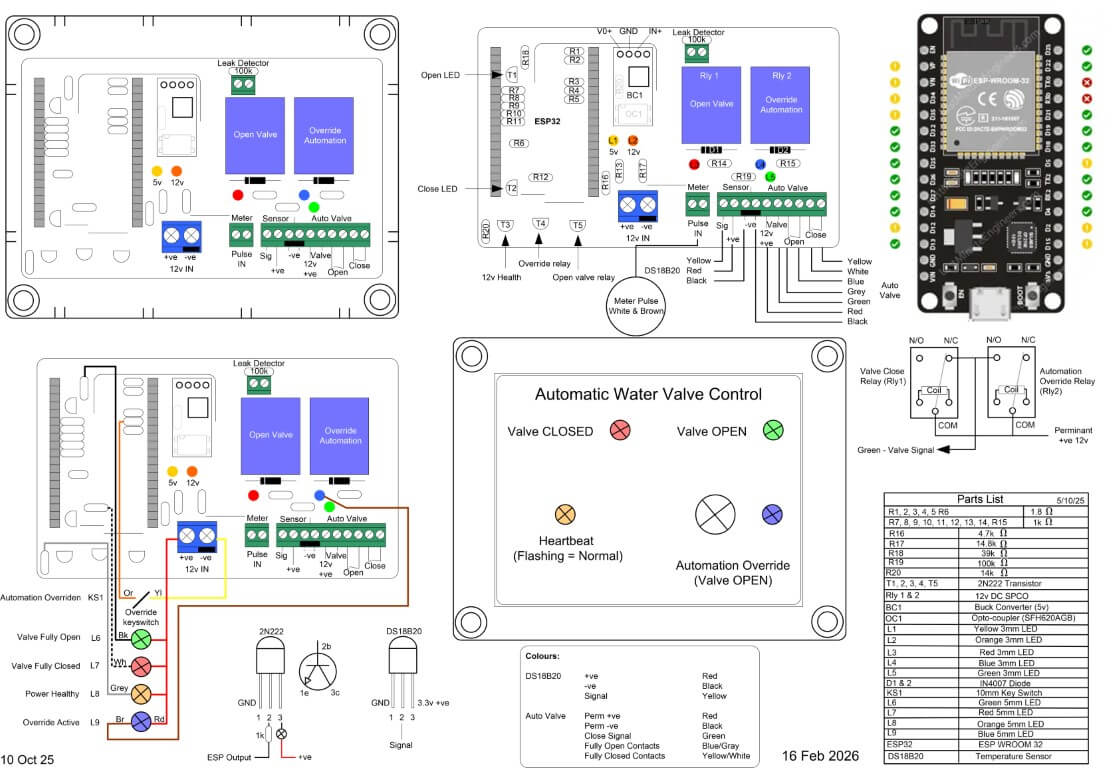
The first version of the controller was within a smaller IP rated enclosure, with field cable terminations made directly to the terminal blocks, however, the practicalities of doing this meant that it would be very difficult to easily remove the controller if maintenance was needed, therefore, version two used a larger IP enclosure and external terminals.
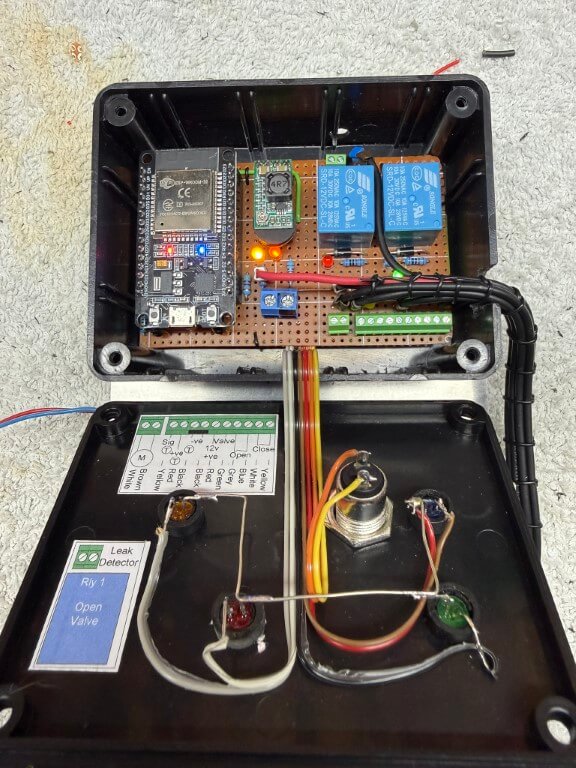
For ease, I simply soldered cables to the underside of the existing terminals and loomed the cables to DIN rail mounted terminals.
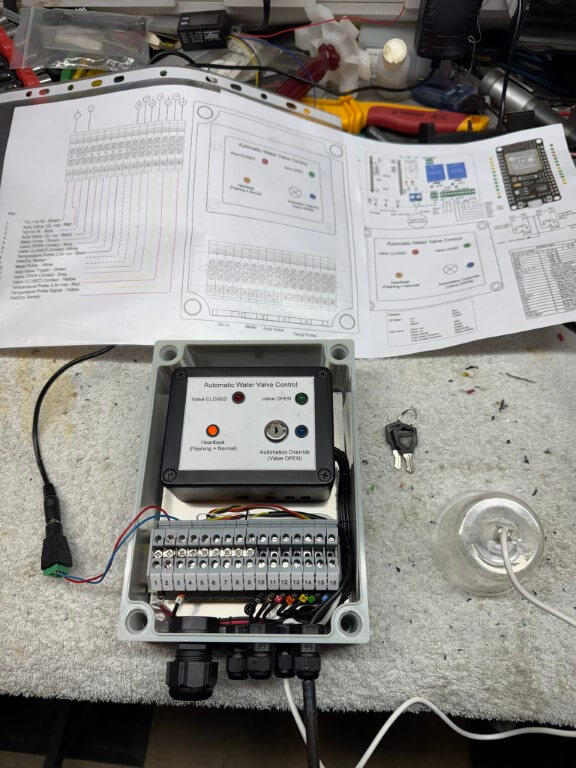
Completed controller within enclosure undergoing testing, the temperature probe for the chamber is fixed to the enclosure, to the right of this is the moisture detector secured inside a plastic cup.
The mouth of the cup will sit on the gravel base of the chamber with the height of the sensor set below the automatic valves motor and electronics, an alert is sent to my phone if moisture is detected.
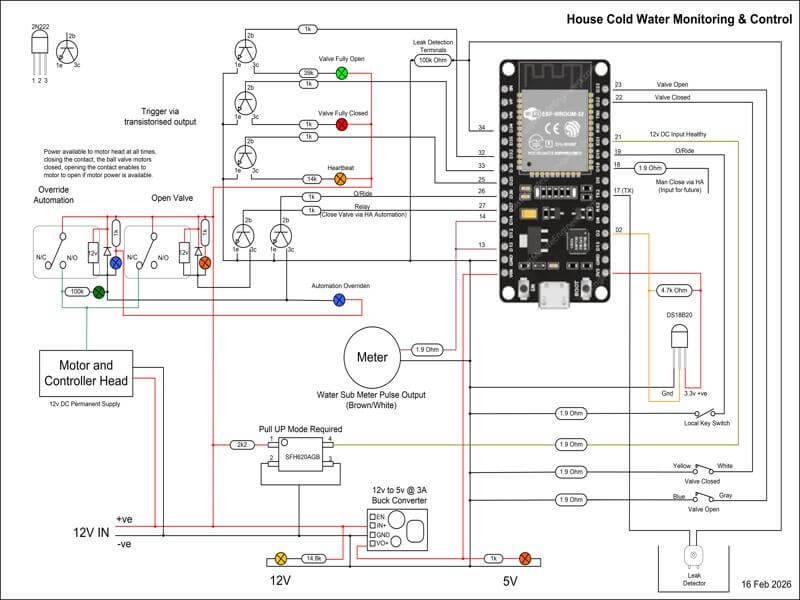
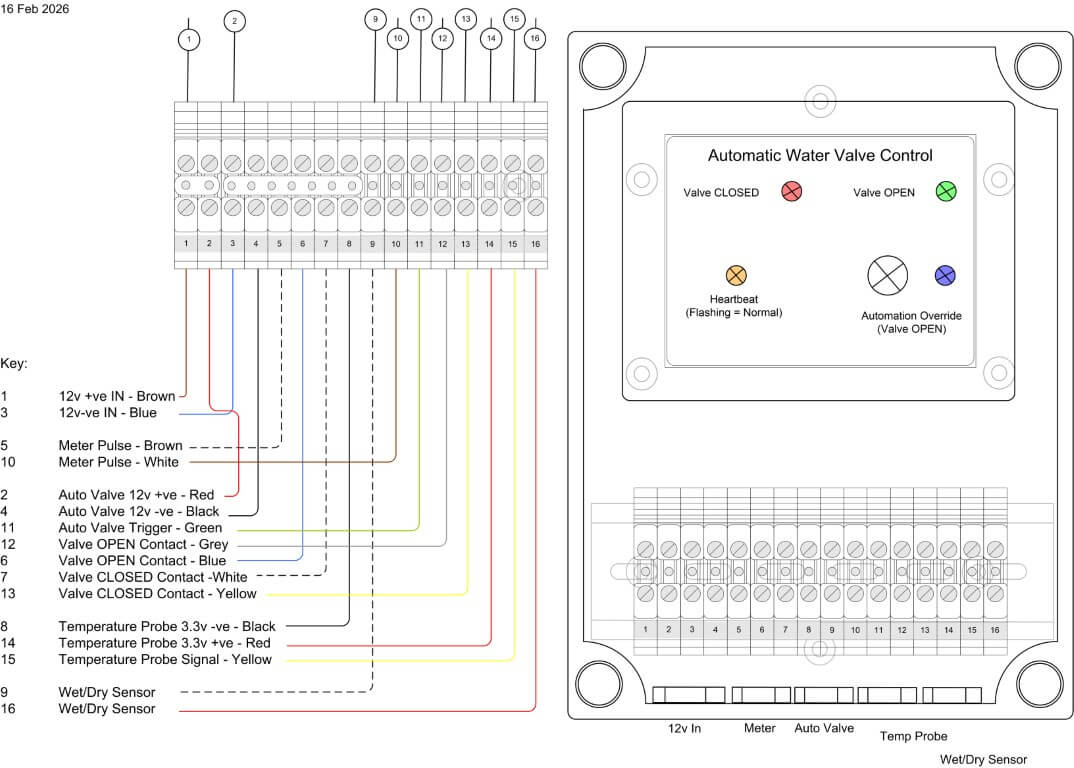
The following files are of the wiring and code used:
I’ve only got a small amount of tweaking left to do, but essentially the project is finally finished as information and control is flowing to Home Assistant.
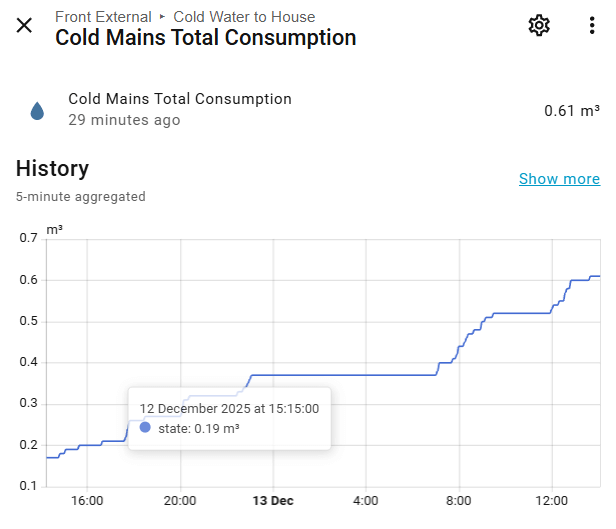
One of things to resolve is getting the Total Consumption value to align with the boundary meters reading, although not absolutely necessary, it would be a nice to have.
After a few months in use, I noticed when the chamber started to fill with rain water and the water sensor operated, the indication to Home Assistant was rapidly turning on and off, to combat this, the YAML code was changed to make the water sensor turn on just before a reading was taken and then off, this also reduces probe corrosion, a futher modification was to add filtering and water detection sensitivity.
I hope you’ve enjoyed following this, a typical example of what seems a fairly easy job, turning into a bit of a pain with lots of ‘re thinks’ along the way 🙂